CRM for phone repair
A phone was taken in without photos, and a week later the customer says the crack wasn’t there — a familiar story for a repair shop without a system. In ModalCRM every phone is taken in as a numbered ticket: IMEI, included accessories, visible condition, photos and the diagnostics password sit in one card. After diagnostics the customer approves the price online, the part for the repair is reserved in stock, and the customer follows the repair status by link instead of calling every hour. Tickets come with every paid plan — from 900 ₴ a month for a team of up to 3.
Phone intake: IMEI, accessories, condition and photos in one card
The ticket card holds the brand, model, IMEI or serial number, included accessories, visible condition and the diagnostics password: it is stored encrypted and never shown to the customer. Device photos are attached to the ticket in front of the customer: drag the files in or paste a shot with Ctrl+V. Warranty and paid repairs are marked separately. Your own fields, such as case color or warranty card number, are added in the ticket settings on the Form Builder tab and filled in on the intake form and the ticket card.
The ticket gets a number like ЗВ-000214 and a link to the repair status page right away, and there is a QR code for printing. The customer comes back a month later — the ticket is found by IMEI, phone number, name or model.
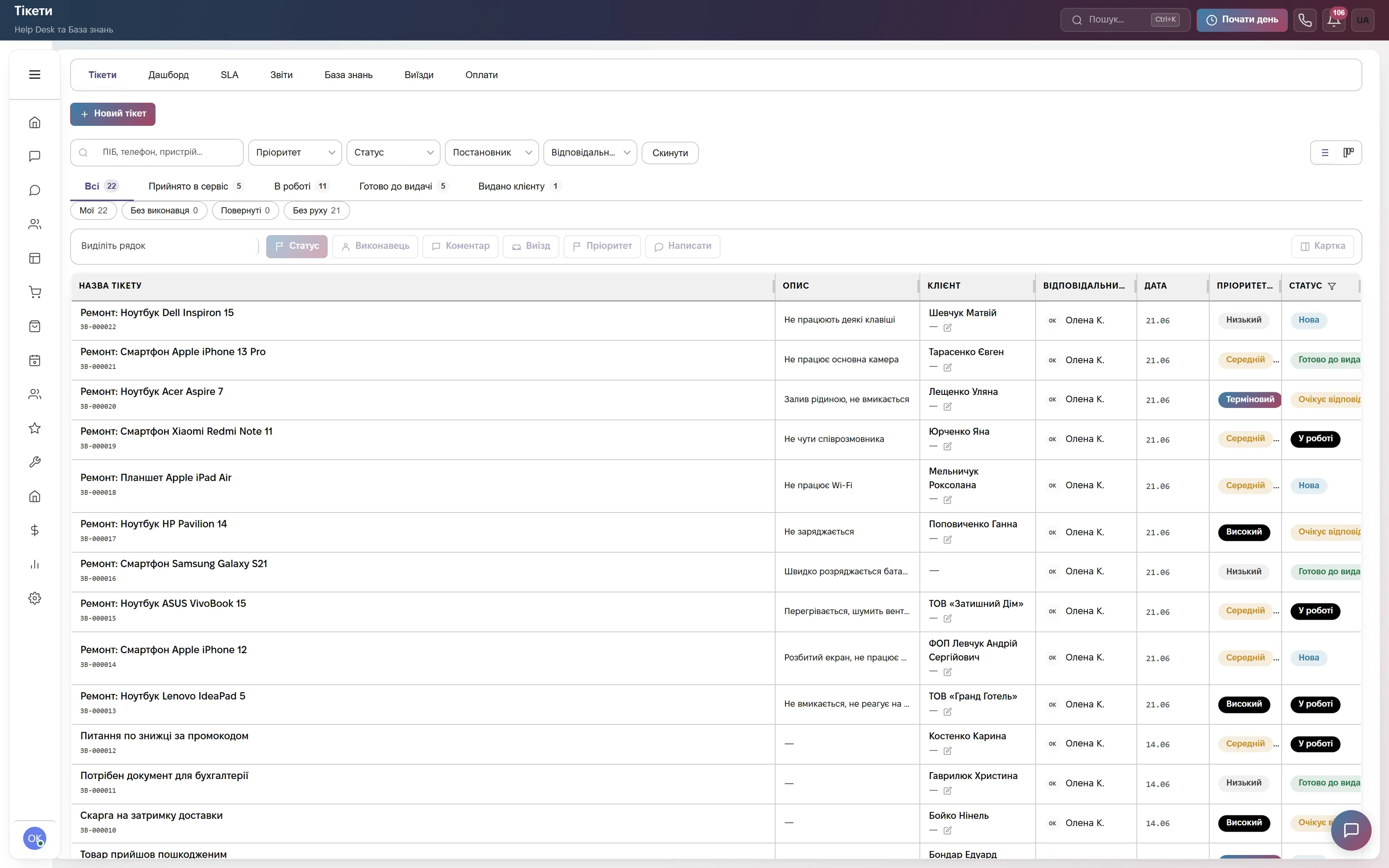
From diagnostics to pickup: statuses and online price approval
After diagnostics the technician enters the price, the term and the diagnosis and clicks “Send for approval”. The customer approves or declines the price on the tracking page, the approval time is saved in the ticket, and the ticket moves to “In Progress” by itself.
Waiting for a screen from the supplier — the “Awaiting Parts” status with an expected date, and the SLA repair deadline stops for that time; the same goes while a board is at an external service. “Handed Over” requires who the phone was handed to, and “Closed” requires a breakdown reason. When a fifth of the time to the deadline is left (but no more than a day), the assignee gets a bell warning, before the breach happens.
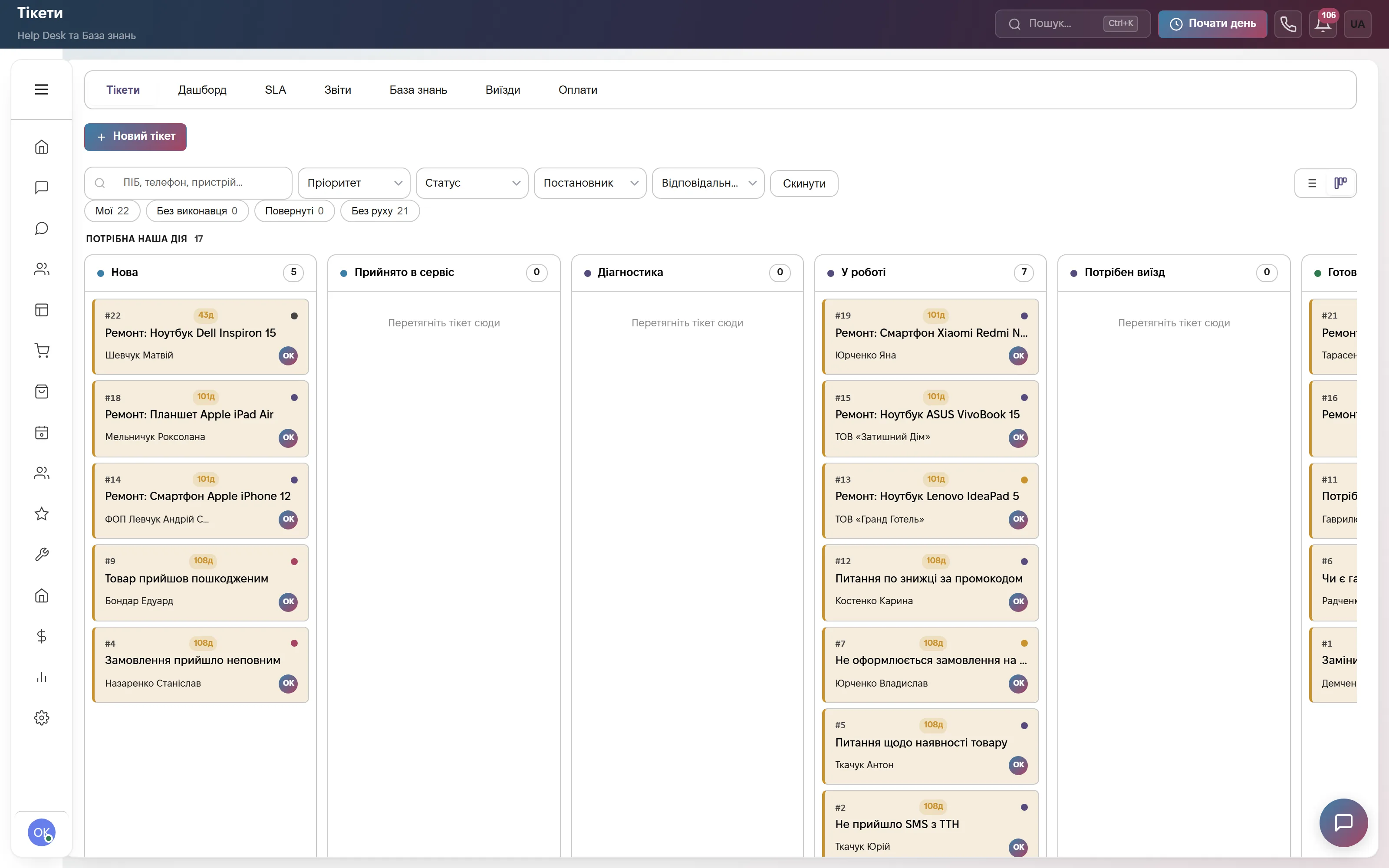
Reports: what breaks, on which models and who comes back
Tickets broken down by breakdown reason, device, channel and priority show which models and faults bring the most work. The “Repeat” report flags customers who came back with the same phone, so you can see which repairs are worth checking.
The “Flow” report shows how many tickets were received, closed and still open over a period, and “By item” shows which parts and services end up in repairs most often. The ticket list exports to Excel.

The customer writes in a messenger — the ticket is created from the chat
A customer writes on Telegram, Viber, WhatsApp, Instagram or the site chat — the operator creates a ticket right from the conversation with the “Ticket” button: the customer and phone are pulled from the chat, and the ticket number and tracking link go straight back into that chat.
When the status changes, CRM can message the customer in the messenger or by email itself: received, in diagnostics, awaiting approval, ready for pickup. The “so what about my phone?” question comes up less often.
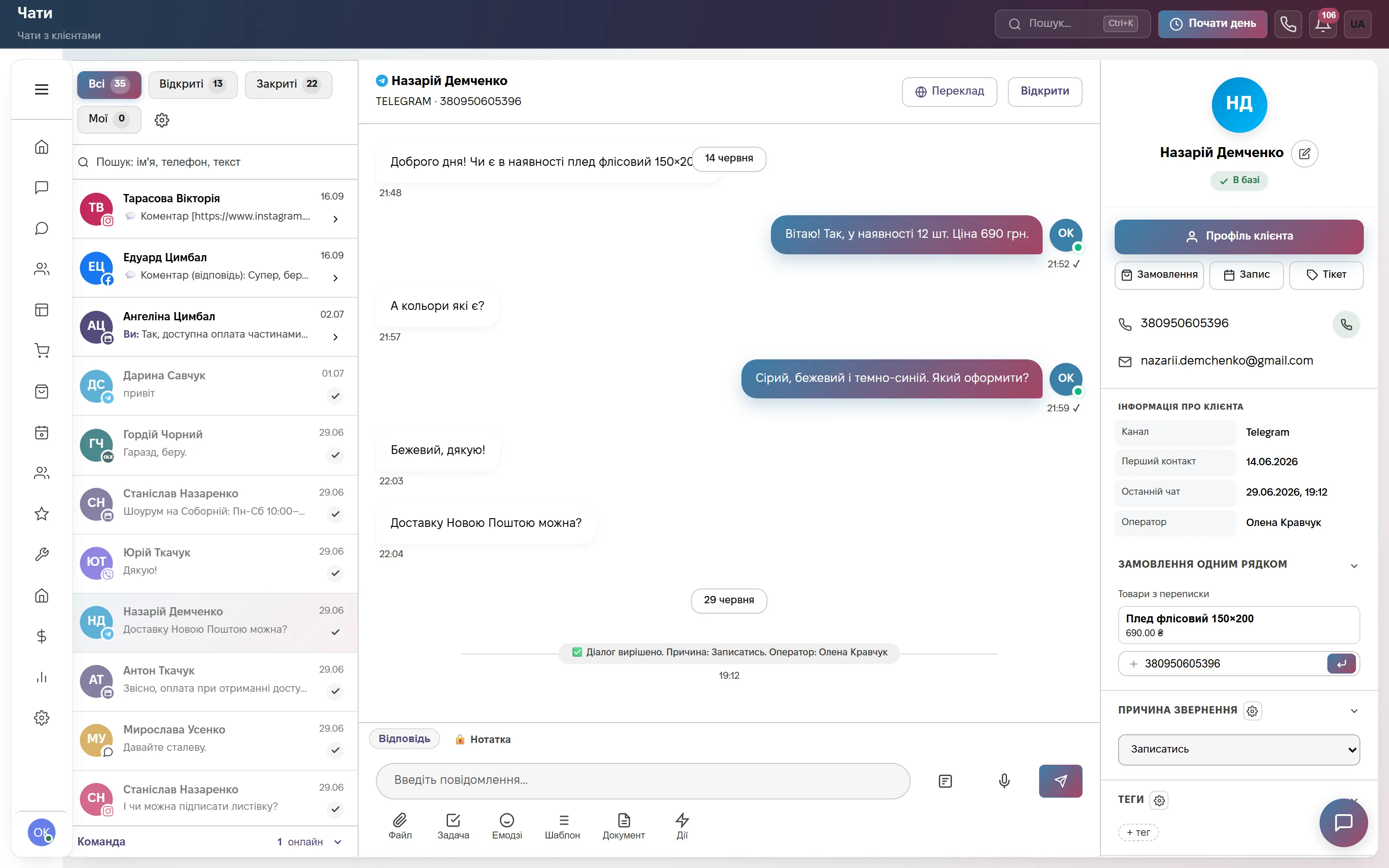
Parts warehouse: screens, batteries and flex cables for each ticket
Parts and labor are added to the ticket as lines from the products and services catalog. The part on a line is reserved in stock, so a screen set aside for a specific repair won’t be sold or fitted into another phone, and it is written off when the ticket is closed.
Stock levels, reservations, receipts and orders to suppliers live in the “Warehouse” section. Screen protectors, cases and chargers are sold through orders from the same stock, and the invoice and the act of completed work are built from the ticket lines.
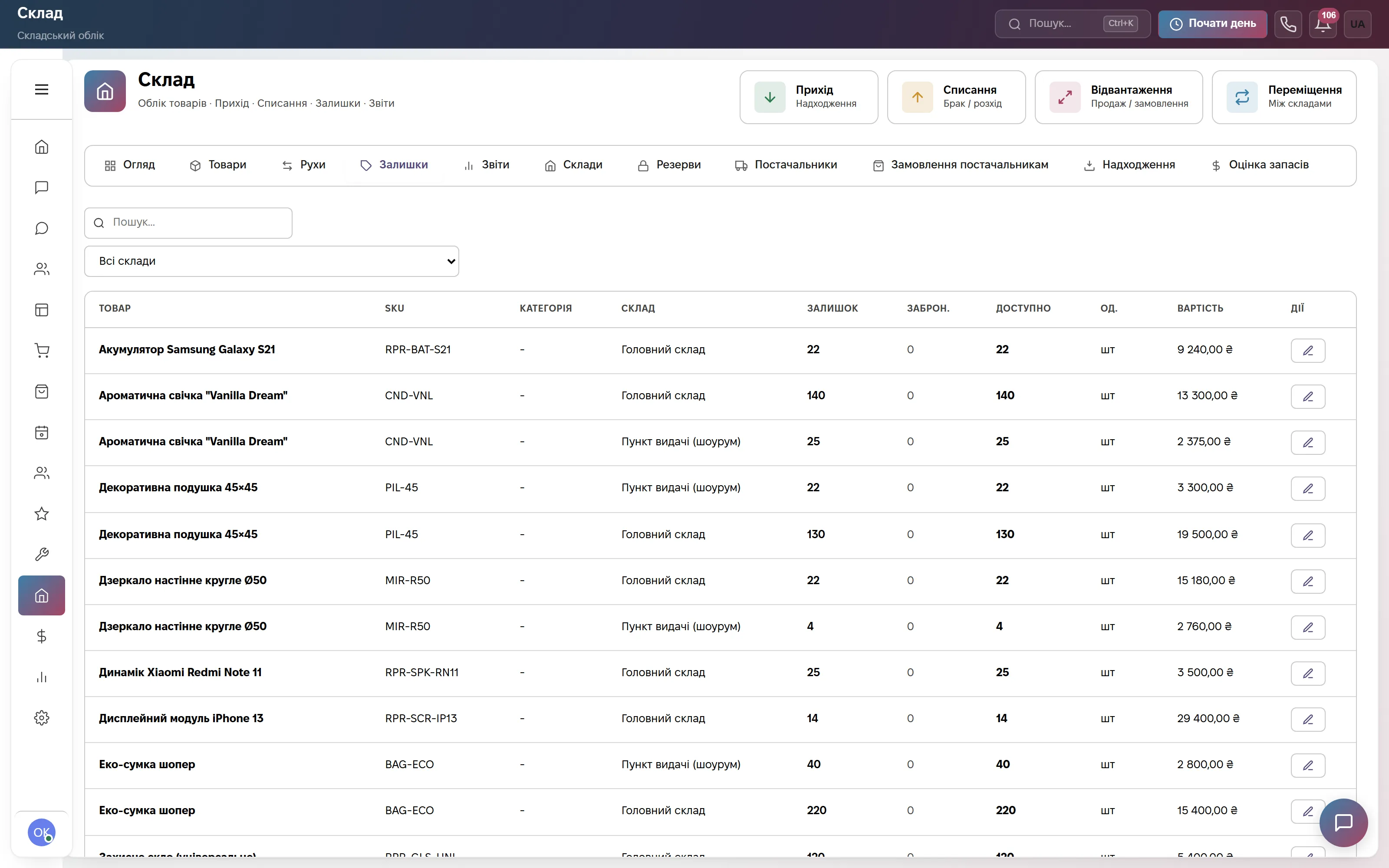
Which modules to turn on
What it costs
Tickets with a device card, price approval, SLA and a tracking page, plus chats, calls, broadcasts and deals. Team of up to 3, then +200 ₴ per user.
The same plus a parts warehouse with reservation per ticket, accessory sales through orders and finance. Team of up to 3, then +200 ₴ per user.
All modules: warehouse, online booking, a client portal for tickets, HR and automations. Team of up to 10, then +200 ₴ per user.
Quarterly billing is 8% off, yearly 17% off. Rozetka, Prom and Nova Poshta integrations are not charged separately.
Frequently asked questions
What is a CRM for phone repair, and why is it better than a notebook or Excel?
It is software for a phone repair shop where every device taken in is a ticket with a number, IMEI, photos, status and deadline. You see what is being repaired, what is waiting for parts, what is ready for pickup and who is responsible for what, and the customer sees the status by link.
How do I record the IMEI, password and condition of a phone at intake?
The ticket card has fields for the brand, model, IMEI or serial number, included accessories and visible condition, and photos are attached to the ticket. The password goes into a separate field, is stored encrypted and is never shown to the customer on the tracking page.
Can the customer approve the repair price without a call?
Yes. After diagnostics the technician sends the price, the term and the diagnosis for approval, and the customer clicks “Approve” or “Decline” on the tracking page. The approval time is saved in the ticket, and an approved ticket moves into work by itself.
How do I keep track of repair parts?
Parts are added to the ticket as lines; the part is reserved in stock and written off when the ticket is closed. Stock levels, receipts and orders to suppliers live in the “Warehouse” section, which comes with the Commerce and Everything included plans.
Where is the repair shop’s data stored?
On servers in Europe (Hetzner). The provider is sole proprietor Viktoriia Lazukina, Ukraine; the terms are the public offer on the website.
See it on live data
A demo account with tickets, statuses and a warehouse — no sign-up. Or 14 days of the full plan free, no card.