
ModalCRM integration with Meest Express
The Meest waybill is created from the order card: you pick the branch where you drop off parcels once, and the recipient, phone and declared value come from the order. The tracking number stays in the order, and a waybill created by mistake can be deleted right from the CRM. The integration is not charged separately — it is part of the Commerce and Everything included plans.
What the integration gives you
How to connect
- Get an API token for your account from Meest; if you work under a contract, you will also need the contract ID.
- In the CRM open Settings → Integrations → the Meest Express card, paste the “API Token” and, if needed, the Contract ID, then pick the city and branch in “Where do you drop off parcels at Meest”. Save.
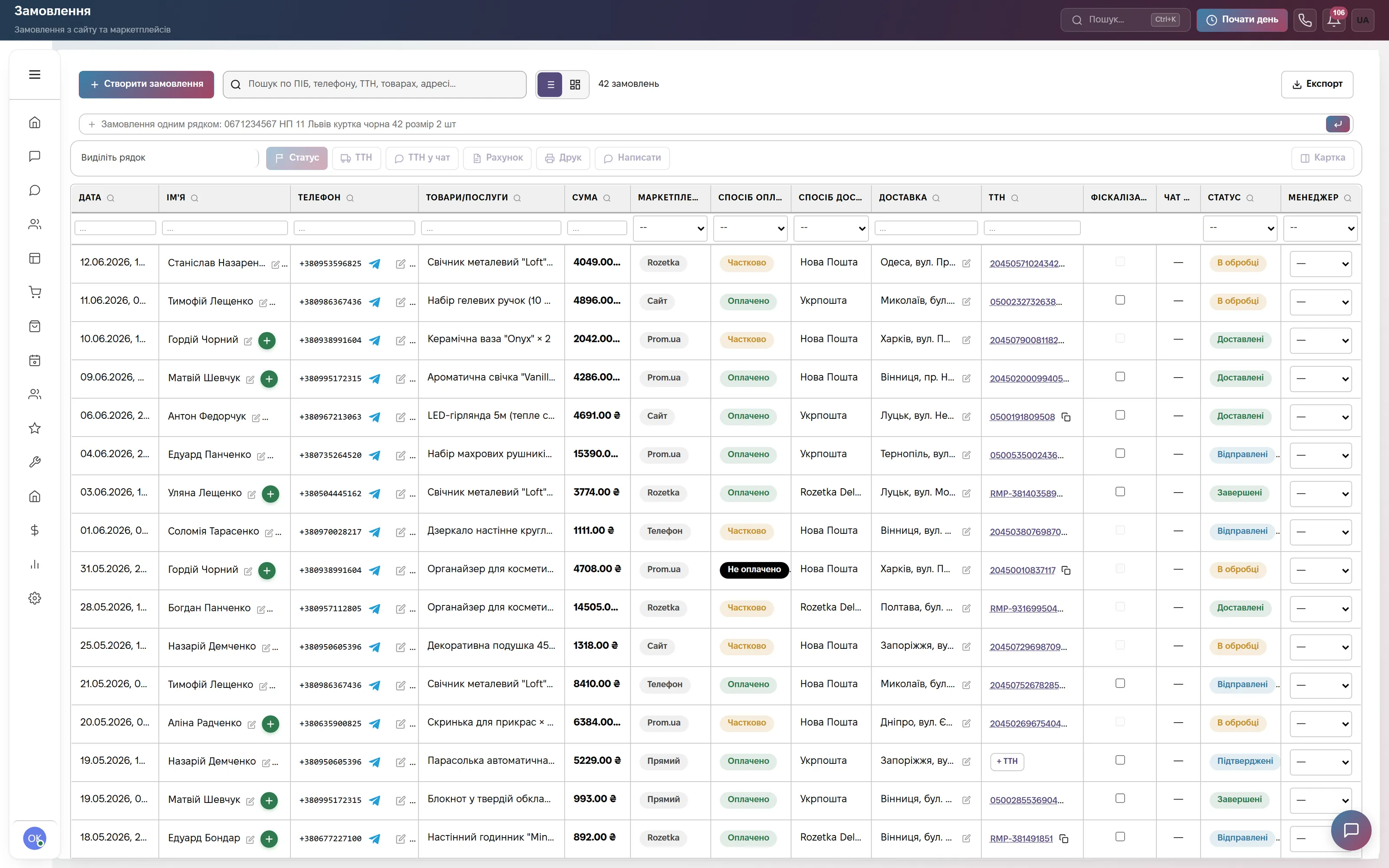
- In the order choose “Meest Express” delivery, set the recipient’s city and branch and click “Save & Create TTN”.
Step-by-step guide in the help center: Shipping and labels. Without a sender branch the waybill is not created — the CRM will show where to pick it.
Frequently asked questions
How much does the Meest integration cost?
Nothing extra. Meest waybills work in the Orders module, which is part of the Commerce plan at 900 ₴ a month per company and of Everything included, and can be added to other plans for 900 ₴ a month. Shipping is paid to Meest at its rates.
What kind of delivery does the integration support?
Branch to branch: you drop the parcel off at the chosen Meest branch and the customer collects it at theirs. The sender pays for delivery on the waybill; cash on delivery for Meest is not set up through the CRM yet.
Will the customer learn the tracking number?
If the order came from a chat or the customer wrote to you in a messenger from the same phone, the CRM sends them the tracking number with the order items and total. The text is in Settings → Modules → “Orders” → “Configure” → “Messages”.
Who can connect Meest?
An employee with the right to manage settings. Branch search works without a token, but it is required to create waybills.
We will connect Meest together with you
Write in the site chat or to info@modalcrm.com — we will help with the token and check the first waybill. The first 14 days of the Commerce plan are free, no card.