
ModalCRM integration with Nova Poshta
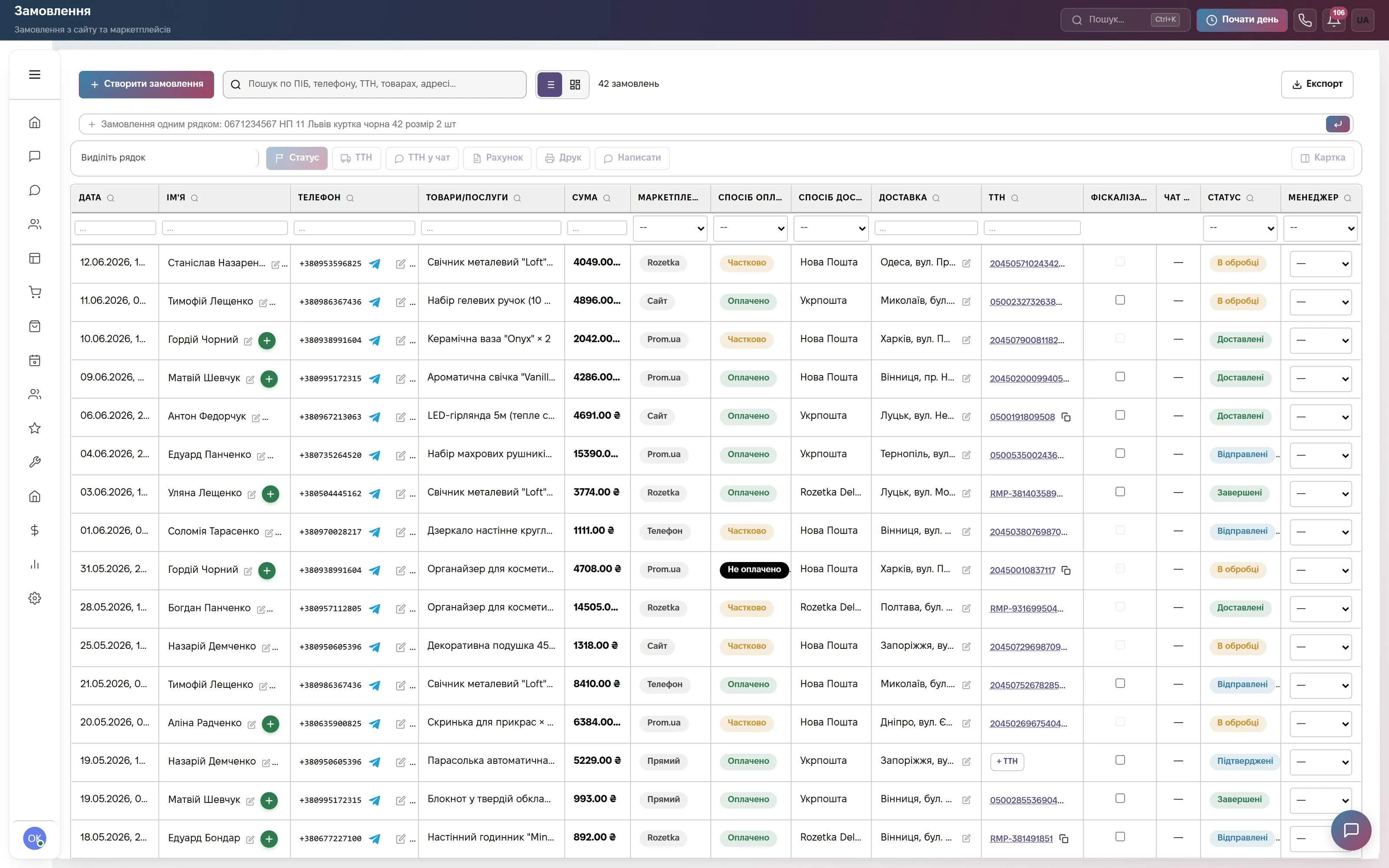
The waybill is created from the order card: address and phone are already filled in, the sender is loaded from your Nova Poshta account, the tracking number stays in the order and is emailed to the customer. The integration is not charged separately — it is part of the Commerce and Everything included plans.
What the integration gives you
How to connect
- Write to info@modalcrm.com — ModalCRM connects your Nova Poshta account to your workspace.
- In the order card click “Save and create a label”, choose the sender (“Load sender from NP”), delivery type and payer; for cash on delivery — the amount and who pays the commission.
- The message text for the customer is in Settings → Modules → “Orders” → “Configure” → “Messages”; the automatic tracking email is switched on in the “Delivery” tab.
Step-by-step guide with screenshots in the help center: Shipping and labels. A label created by mistake can be deleted and created again.
Frequently asked questions
How much does the Nova Poshta integration cost?
Nothing extra. Labels are part of the Commerce plan (900 ₴ a month per company) and Everything included.
Does it work the same way with Ukrposhta and Meest?
Yes, the buttons are the same: “Save and create a label” creates a waybill with the selected carrier and the number stays in the order.
What about cash on delivery?
Set the amount and who pays the commission when creating the label. CRM checks the payment itself: money arrived — the order becomes paid and completed, income is recorded in finance.
Can the customer see where the parcel is?
After the label is created the customer automatically gets an email with the tracking number; in a chat the label is sent with one button. The automatic email can be switched off in the “Delivery” tab.
We will connect Nova Poshta together with you
Write in the site chat or to info@modalcrm.com — we connect the carrier account. The first 14 days of the Commerce plan are free, no card.