
ModalCRM integration with UniTalk
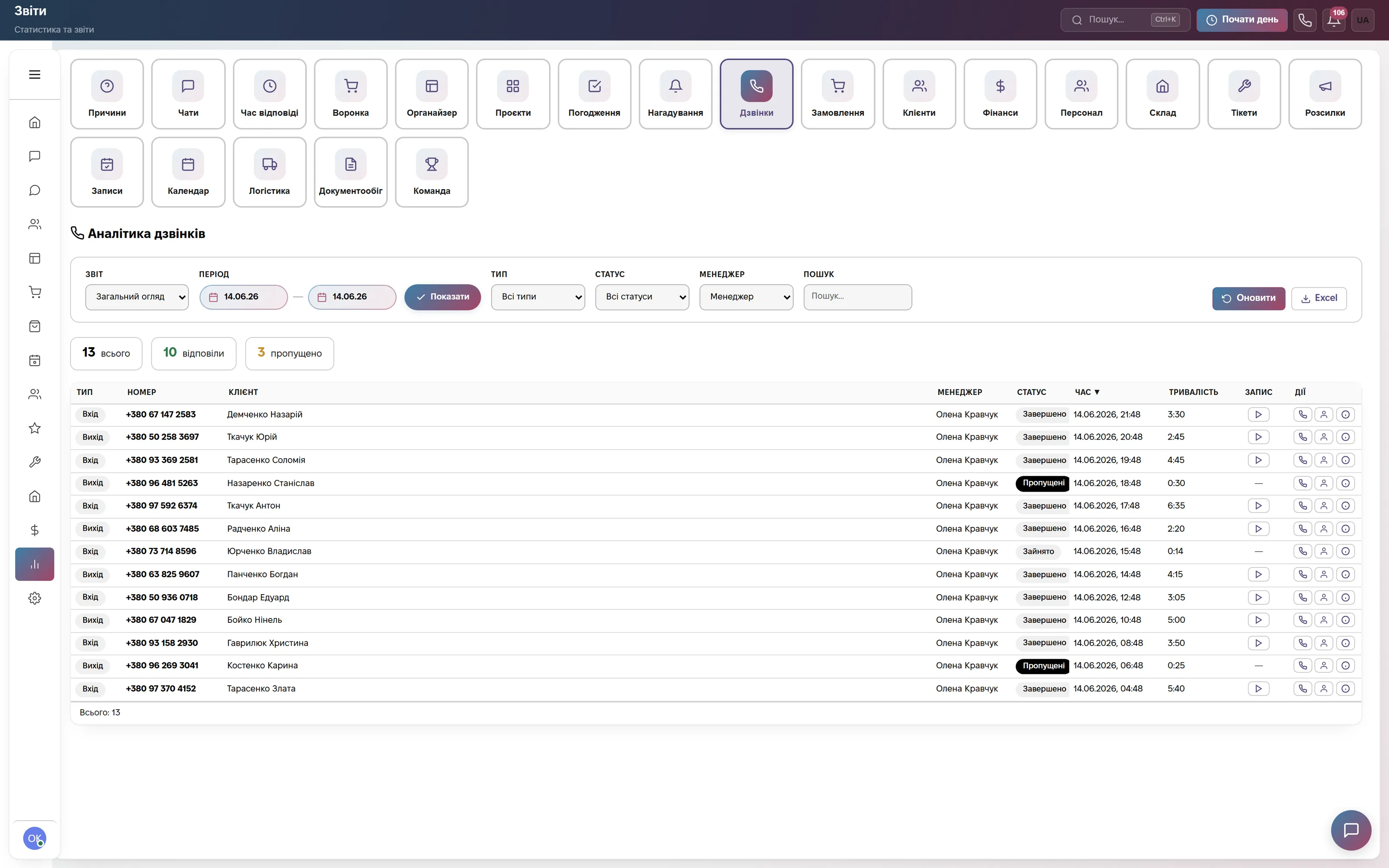
UniTalk connects to the CRM with a SIP account and an event handler. SIP gives you calls right from the browser, with no desk phones. The handler sends a new call, the answer and the end of the call to the CRM — together with the talk time and the recording link.
What the integration gives you
How to connect
- In the CRM open Settings → Integrations → “IP Telephony” block → the UniTalk card and copy the Webhook URL.
- In your UniTalk account, under API and automation → Event handlers, create a handler (POST, JSON) with this URL and assign it to the “New call”, “Answer” and “End” events.
- Under Users → an operator → “PBX workstation” copy the SIP server, login and password, paste them into the UniTalk card and save.
How to check the connection and what each diagnostics state means in the help center: Connecting telephony. If the state is “Rejected by provider” and the details are correct, write to info@modalcrm.com.
Frequently asked questions
How much does the UniTalk integration cost?
Nothing extra. Calls are part of every paid plan from 900 ₴ a month per company with no limit on their number. Minutes are paid to UniTalk at its rates.
Do I need a separate app or phone?
No. You need a headset or microphone, Chrome or Edge, and browser permission for the microphone.
Can each operator call from their own account?
Yes. Create a workstation in UniTalk for each employee, add it in the card with the “+ Add Line” button and assign it to the operator. Inbound calls to a line ring all of the company's operators.
Can I connect UniTalk and another provider at the same time?
No. One telephony provider works at a time — the one whose card was filled in last. Binotel, Zadarma, Ringostat, CallsApp and your own SIP are also available.
We will connect UniTalk together with you
Write in the site chat or to info@modalcrm.com — we help with the SIP details and the event handler and check a test call. The first 14 days are free, no card.