
ModalCRM integration with Zadarma
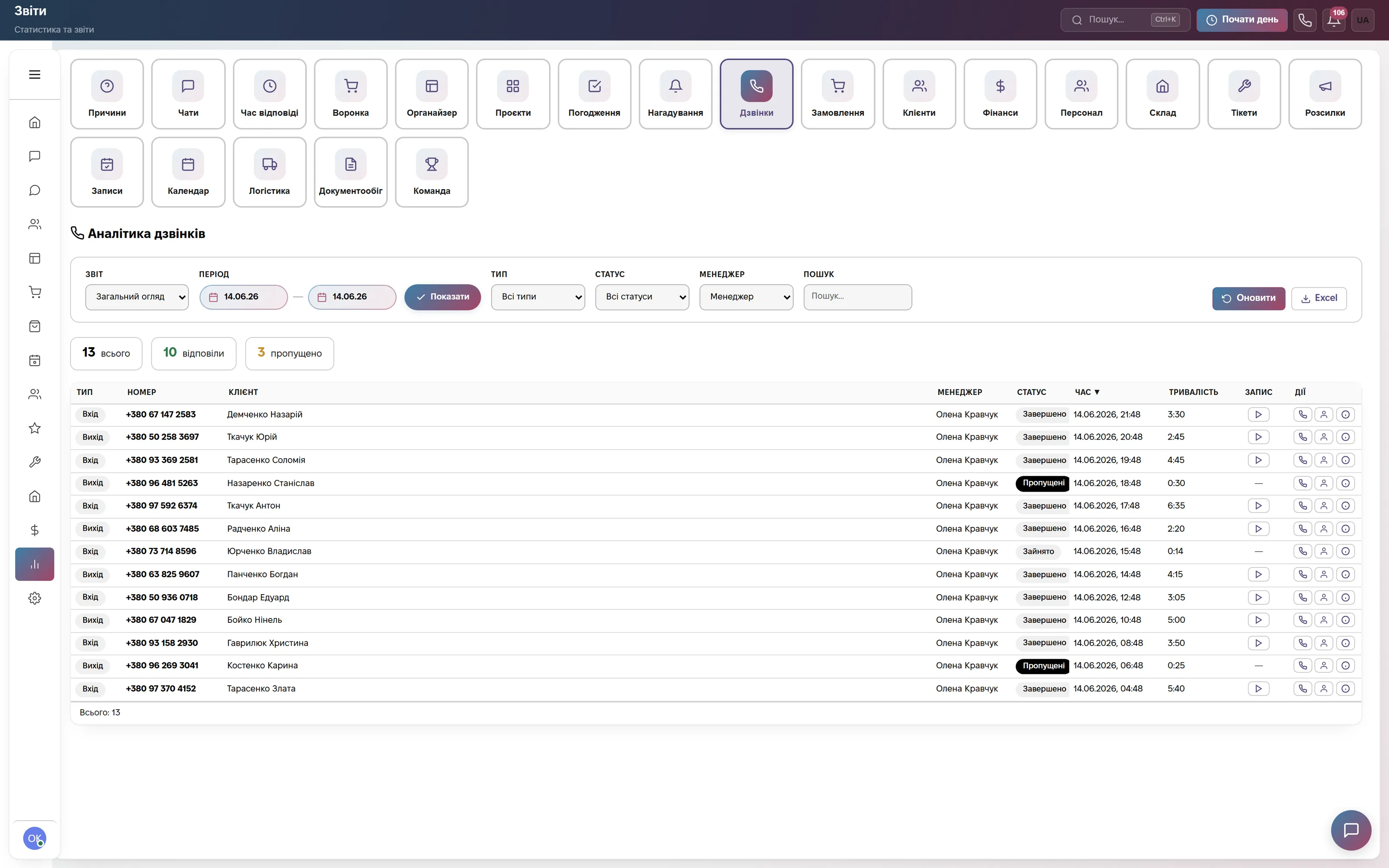
Zadarma connects in two parts, and you can combine them. SIP lets you make and take calls right in the browser. The API lets the CRM work together with your virtual PBX: it knows the extensions, shows a call only to the right person and keeps call recordings.
What the integration gives you
How to connect
- In the CRM open Settings → Integrations → “IP Telephony” block → the Zadarma card and copy the Webhook URL.
- In your Zadarma account, under Settings → “Integrations & API”, paste the URL into call notifications, turn on the NOTIFY_* events and copy the API Key and API Secret.
- Paste the keys into the Zadarma card (for browser calls also the SIP details from “My PBX”) and save, then link the extensions to users.
Step-by-step guide, the full list of events and recording settings in the help center: Connecting Zadarma. If the Webhook URL gets into the wrong hands, click “Regenerate URL”.
Frequently asked questions
How much does the Zadarma integration cost?
Nothing extra. Calls are part of every paid plan from 900 ₴ a month per company with no limit on their number. Minutes and the PBX are paid to Zadarma at its rates.
Can we talk from Zadarma phones instead of the browser?
Yes. Switch off “Browser Calls” — call windows, the log and recordings keep working through the API and PBX notifications, while you talk from Zadarma phones or softphones.
Why are there no call recordings in the customer history?
Recordings need the API Key and API Secret, and cloud recording must be turned on for the extension in your Zadarma account. A recording appears a few minutes after the call.
Can I connect Zadarma and another provider at the same time?
No. One telephony provider works at a time — the one whose card was filled in last. Switching to another provider erases the saved Zadarma details.
We will connect Zadarma together with you
Write in the site chat or to info@modalcrm.com — we help with the keys and notifications and check a test call. The first 14 days are free, no card.