ModalCRM integration with Monobank
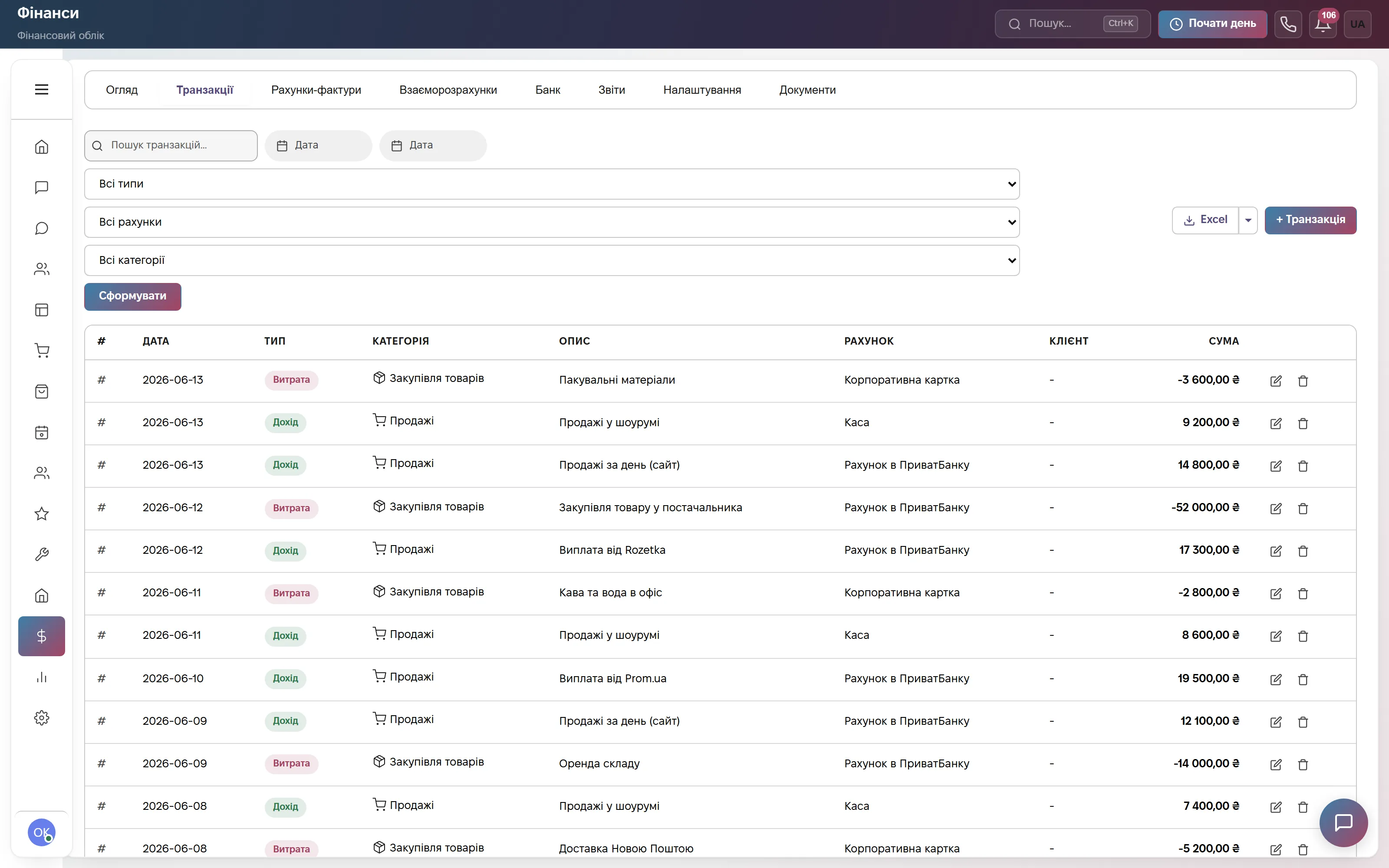
Monobank connects through two cards, and each one removes its own manual work. “Monobank Acquiring” adds a “Pay online” button to the invoice page: the customer pays by card and the payment is recorded by itself. “Monobank statements” pulls account transactions into finance every hour and suggests which invoice or order each incoming payment belongs to.
What the integration gives you
How to connect
- In the Monobank Acquiring dashboard copy the merchant token and paste it into Settings → Integrations → the “Monobank Acquiring” card — hryvnia invoices get online payment.
- For statements get a personal token at api.monobank.ua, open the “Monobank statements” card, choose the account in finance, paste the token and save.
- Open the connection again, click “Fetch accounts” and choose the Monobank account. After saving, click “Sync now” — transactions for the last month appear in Finance → “Bank”.
How to issue an invoice and send the customer a public link is in the help center: Invoices. The “Confirm”, “Other…” and “Ignore” buttons on the “Bank” tab work the same way as for WayForPay.
Frequently asked questions
How much does the Monobank integration cost?
Nothing extra. The integration works in the Finance module, which is part of the Commerce plan at 900 ₴ a month per company and of Everything included, and can be added to other plans for 900 ₴ a month. Monobank charges its own fee for card payments.
What is the difference between “Monobank Acquiring” and “Monobank statements”?
Acquiring is for paying invoices by card via a link and needs a merchant token. Statements are for tracking account transactions in finance and need a personal token. You can connect them together or separately. If invoice payment by link is also turned on in WayForPay, the “Pay online” button leads to WayForPay.
Will income be counted twice when the acquiring money reaches my account?
A payment by link is recorded at the moment of payment, so mark the acquiring credit line in the statement as “Ignore”. A repeated Monobank notification about the same payment does not create a second income.
Who can connect Monobank?
A company administrator in the CRM. No developer needed: the tokens from your Monobank dashboards are enough.
We will connect Monobank together with you
Write in the site chat or to info@modalcrm.com — we help find the tokens and check the first payment. The first 14 days are free, no card.