
ModalCRM integration with Prom.ua
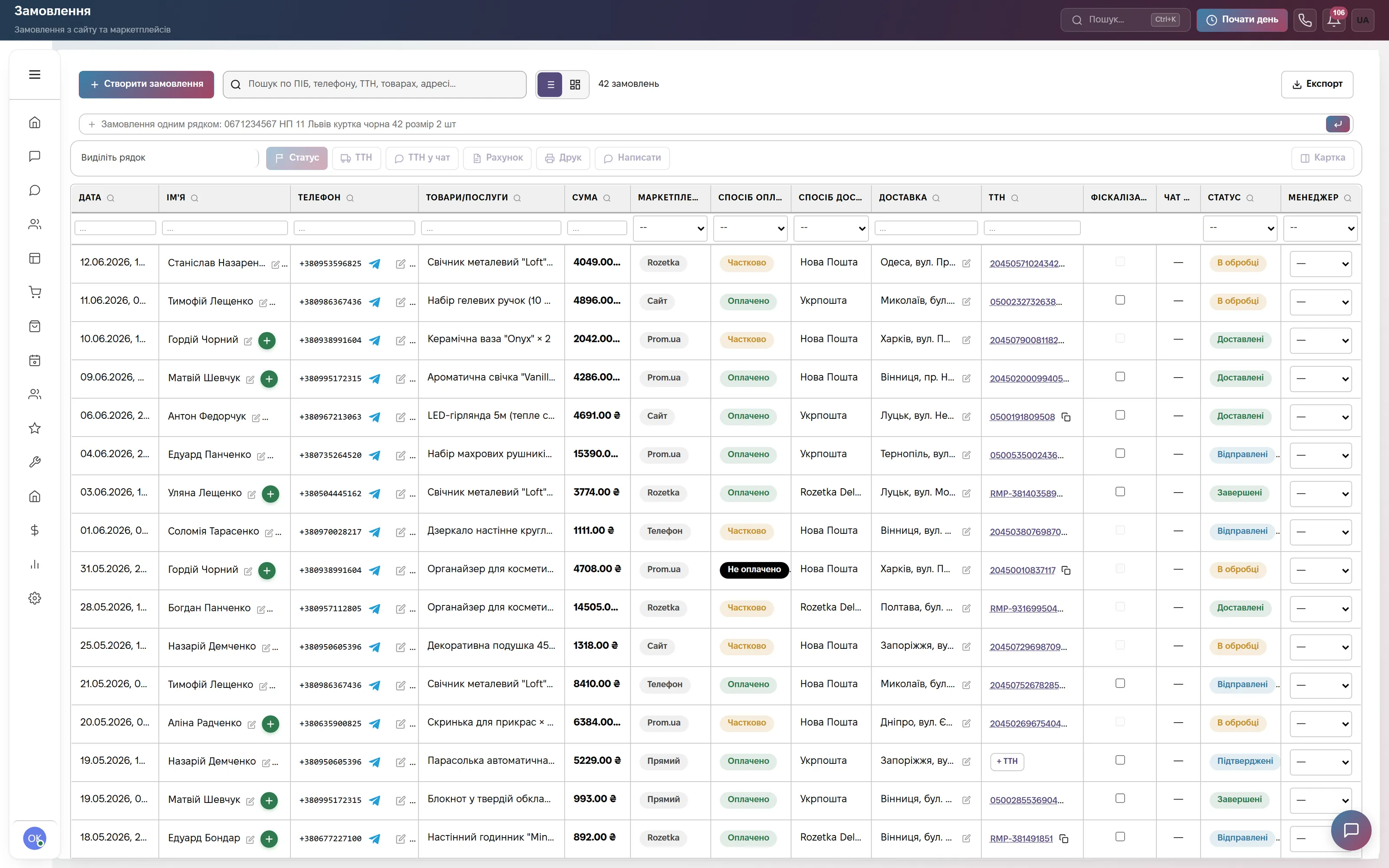
You no longer need the Prom.ua dashboard open: orders appear in the CRM every minute with the buyer, delivery, payment method and comment, and buyer questions arrive in Chats next to the messengers. The integration is not charged separately — it is part of the Commerce and Everything included plans.
What the integration gives you
How to connect
- In the Prom.ua seller account open Settings → API and copy the API key.
- In the CRM open Settings → Integrations → the Prom.ua card, paste the key, tick “Enable chat” in “Buyer Chat” if needed, and save.
- Check that product SKUs in the warehouse match the SKUs on Prom — then the product from the order is written off the warehouse on its own.
How the sync works and what gets overwritten is in the help center: Orders from Rozetka and Prom.ua. We load orders for past periods — write to info@modalcrm.com.
Frequently asked questions
How much does the Prom.ua integration cost?
Nothing extra. Prom.ua orders work in the Orders module, which is part of the Commerce plan at 900 ₴ a month per company and of Everything included, and can be added to other plans for 900 ₴ a month. The price does not depend on the number of orders.
Will the status change on Prom if I change it in the CRM?
Yes, for the statuses Prom accepts through its API: a confirmed or in-progress order becomes accepted on Prom, a delivered one — completed, a cancelled one — cancelled. The Prom API has no separate “Shipped” status, so there the order stays accepted.
What happens if the buyer paid on Prom?
The order gets the “Paid” payment status on its own and the full amount is recorded as income in finance. If Prom refunded the buyer, the order’s payment changes to “Refunded”.
Can I send files to Prom buyers?
No, the Prom chat only carries text from the CRM: instead of the file the buyer sees a “[Файл]” line with its name. Text replies reach the same conversation on Prom.
We will connect Prom.ua together with you
Write in the site chat or to info@modalcrm.com — we will help with the key and load your order history. The first 14 days of the Commerce plan are free, no card.