
ModalCRM integration with Binotel
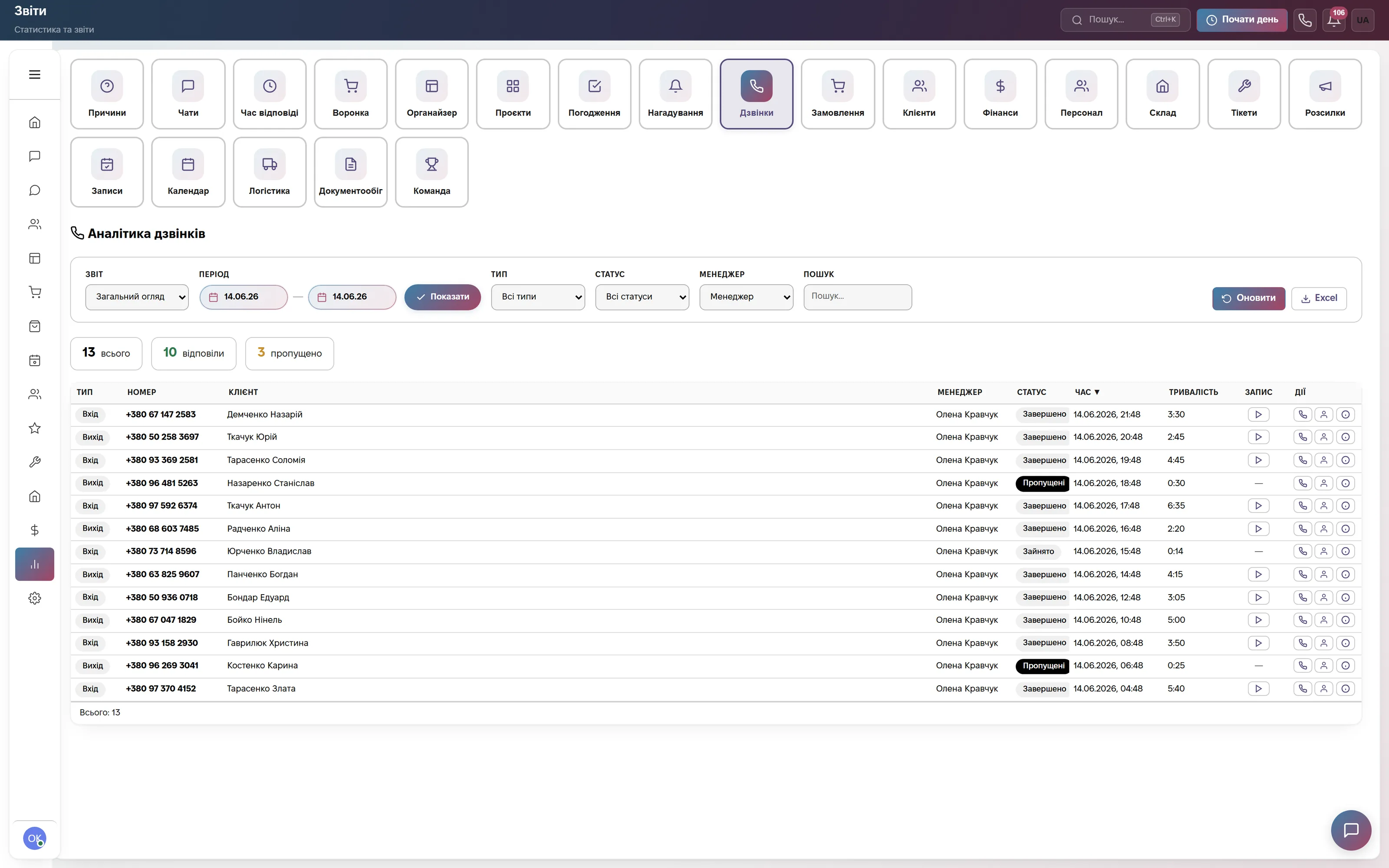
Calls go straight from the browser — no desk phones and no separate apps. An incoming call immediately shows who is calling: the customer's name, deals, tasks and parcels. Every conversation goes into the log by itself.
What the integration gives you
How to connect
- In your Binotel account find the SIP account details: server address, extension (which is also the login) and SIP password.
- In the CRM open Settings → Integrations → “Telephony” block → the Binotel card, fill in three fields and save.
- Wait about 30 seconds and open the dialer: the “Registered” state means you can call.
Step-by-step guide and diagnostics in the help center: Connecting telephony. If the state is “Rejected by provider” and the details are correct, write to info@modalcrm.com.
Frequently asked questions
How much does the Binotel integration cost?
Nothing extra. Calls are part of every paid plan from 900 ₴ a month per company with no limit on their number. Minutes are paid to Binotel at its rates.
Do I need a separate app or phone?
No. You need a headset or microphone, Chrome or Edge, and browser permission for the microphone.
Can I connect Binotel and another provider at the same time?
No. One telephony provider works at a time — the one whose card was filled in last. Zadarma, Ringostat, UniTalk, CallsApp and your own SIP are also available.
Who can make calls from the CRM?
Those whose role has call handling switched on. Telephony can be connected by an employee with the right to manage settings.
We will connect Binotel together with you
Write in the site chat or to info@modalcrm.com — we help with the SIP details and check a test call. The first 14 days are free, no card.